Bob
Capture a thought. Choose today's work. Keep an honest record.
Bob is a Rust command-line tool with Obsidian plugins for planning and review, plus an optional Mac menu-bar panel for capture. The vault stays in Obsidian and syncs through Git; the Mac panel only submits drafts and never owns the workflow.
Linux and macOS · Obsidian
Is Bob for me? Start with Get started. Read the behavior contracts.
One thought · three surfaces · one vault
Terminal. Type the capture and see the inbox line it writes.
bob capture "Review the queue input"

The inbox note holds - [ ] #task Review the queue input [created::2026-10-20],
verified against a synthetic scratch vault with a fixed clock.
Obsidian. The same line renders as a task card. Commands, settings, and extra keyboard behavior live in the Obsidian plugins reference.
Menu bar. The optional Mac panel shows today's agenda.
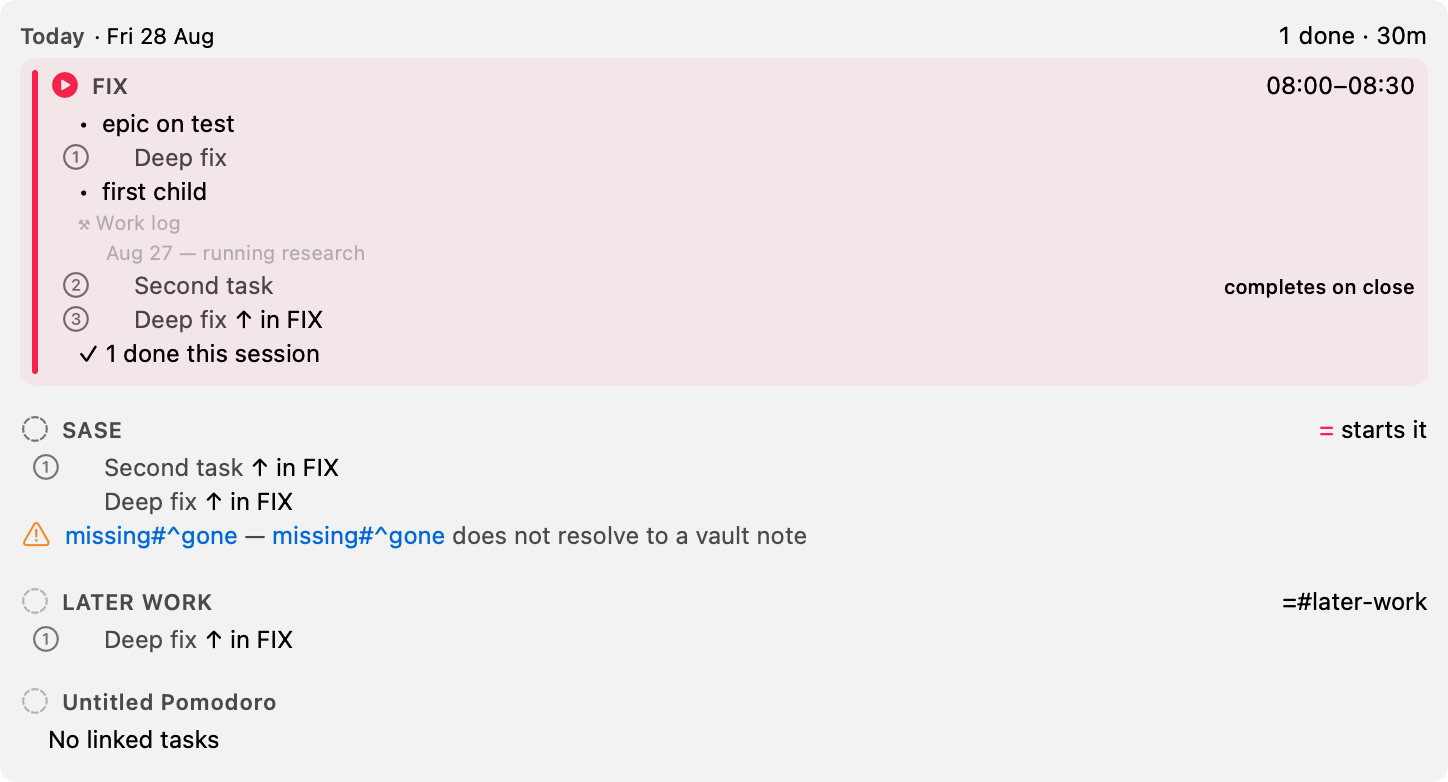
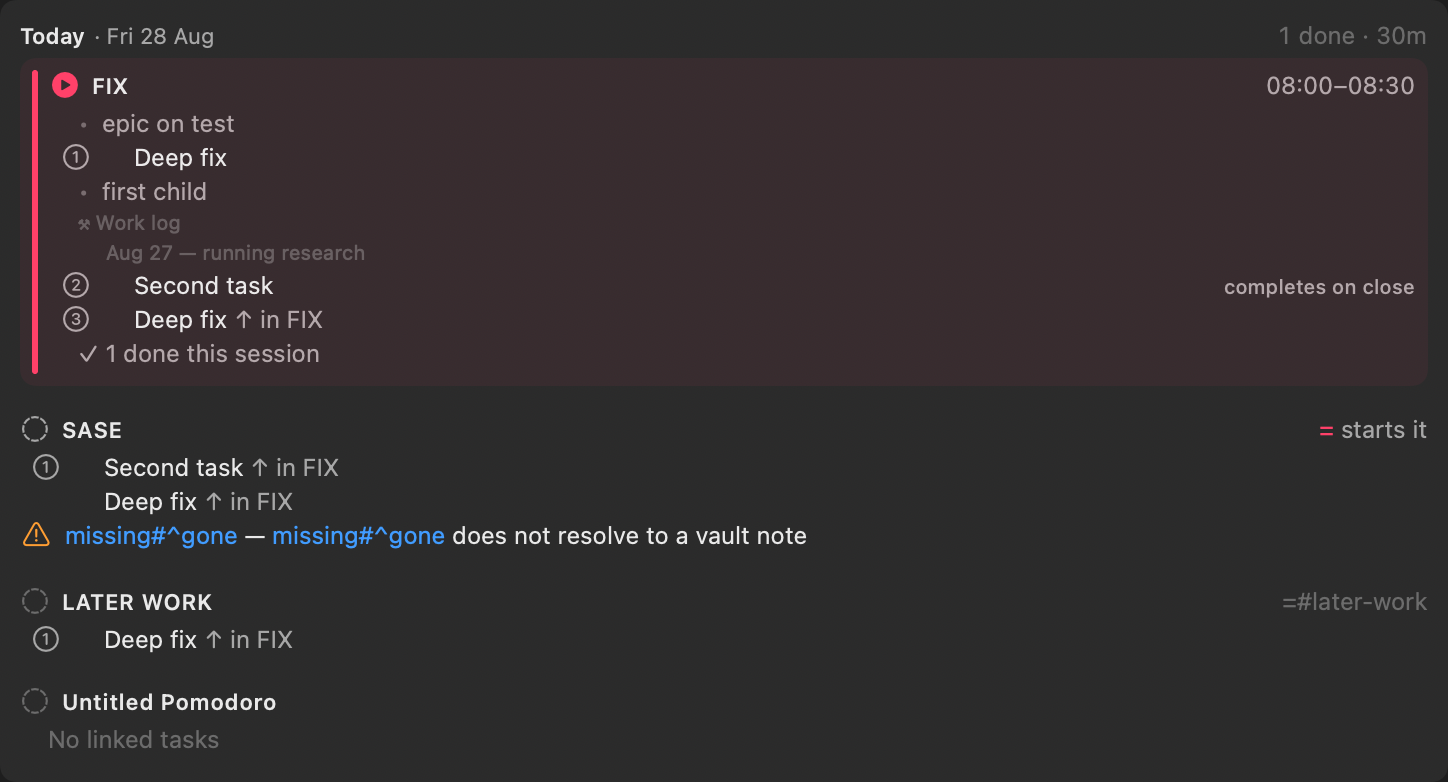
Rendered from synthetic CI fixtures; open the image for full-size text. Read the Mac Capture reference.
A Bob day
Morning review clears the queue, capture takes the next thought, Pomodoros hold today's work, close finishes work and chooses what comes next, and sync keeps the vault honest.
Doors
Do. Complete a goal.
- Guides for install, capture, review, sync, and recovery.
- Add prerequisites while capturing
- Sync the vault across machines
Learn. Follow the tested path.
- Get started for the first day, installs, and continuations.
- Understand Bob for the nouns and the system diagram.
Develop. Build and maintain the site.
Look up. Reference that never drifts from the tools it describes.
- Look up Bob for the CLI reference, glossary, and compatibility.
Source
Bob lives in three public repositories: bob-cli, bob-plugins, and bob-mac-capture, under the MIT license.
New here? Is Bob for me? · Requirements and compatibility.